# New Entrants
This GovTribe global report provides a view of what new companies across the entire GovTribe database have recently won contracts. You can filter the report by [NAICS codes](https://docs.govtribe.com/user-guide/what-is.../categories/naics-categories), Set Asides, and [PSC](https://docs.govtribe.com/user-guide/what-is.../categories/psc-categories) categories.
***To access New Entrants select Reports > New Entrants***
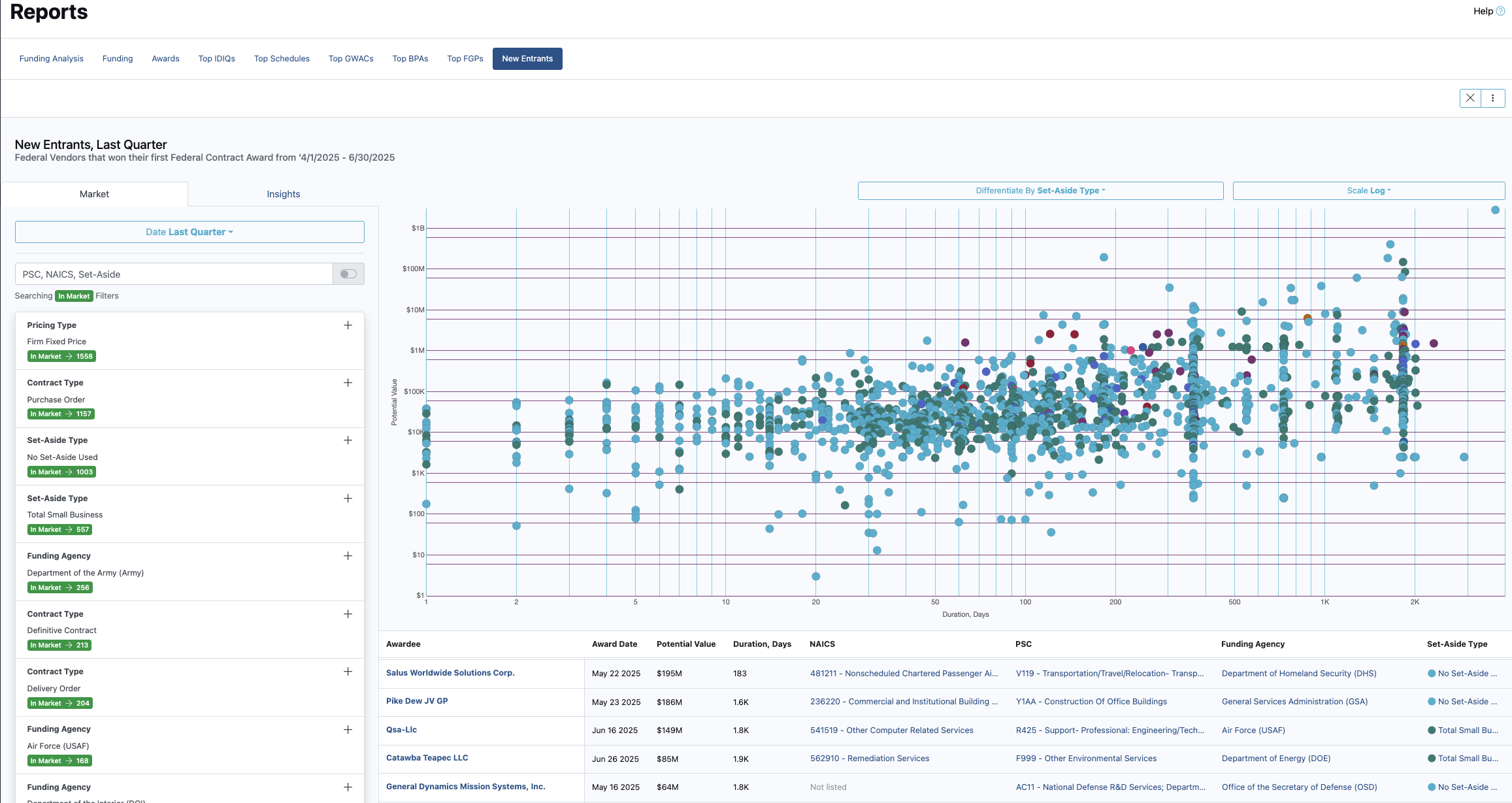
This will take you to an overview page where you can start creating your report. On the left-hand side, there will be a section where you can add filters such as NAICS codes used, agencies, PSC codes etc.
The center of the page will provide a visual of your market report, while the bottom center of the page will provide a line-by-line view showing what companies have just entered the specific market you are reporting on.
### Getting started
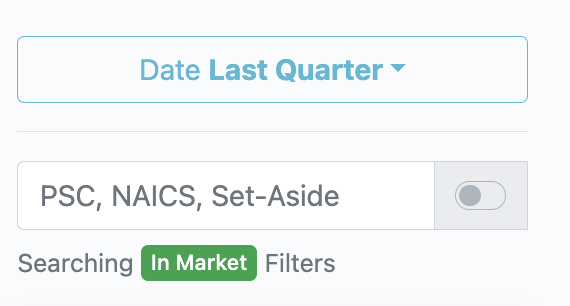
On the left-hand side, under the market tab, use the search bar to start adding filters.
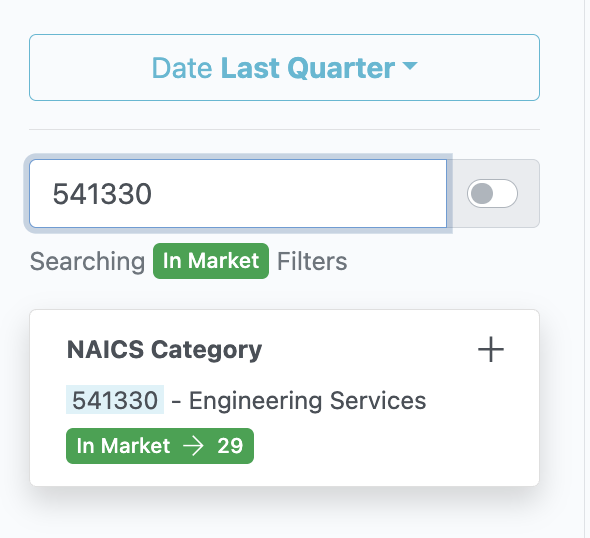
Let's say we want to find new entrants who have won contracts under 541330. I would enter 541330 into the search bar, and then click the + button on "NAICS Category" button:
This adds 541330 as a filter. Now when I view the report in the center of the page I will see new entrants who have just won contracts under 541330 last quarter. If I want to change the time frame of the report, just select the "Date" drop down. Feel free to add additional filters to further focus your report.
Feel free to get creative combining filters!
Finally - if you then select the "Insights" tab next to the "Market" tab you will be able to view the Total Ceiling Value, Average Ceiling Value, and Award Volume of contract awards dedicated to the market segment you identified.